What Makes a T-Shirt Graphic Actually Look Good When Worn?
TLDR: What makes a t-shirt graphic actually look good when worn is the relationship between the artwork, garment, and body. The design needs one clear first read, intentional scale, body-aware placement, useful contrast, and enough visual strength to survive folds and movement. Judge it as clothing, not as a poster floating on a rectangular artboard.
A screen gives your graphic perfect lighting, a flat surface, and a viewer who is already paying attention. A shirt gives it shoulders, seams, wrinkles, changing posture, fabric color, and a person moving through the world. That difference explains why polished artwork can turn strangely timid, low, busy, or sticker-like once it reaches a torso.
What makes a T-shirt graphic look good on a body?
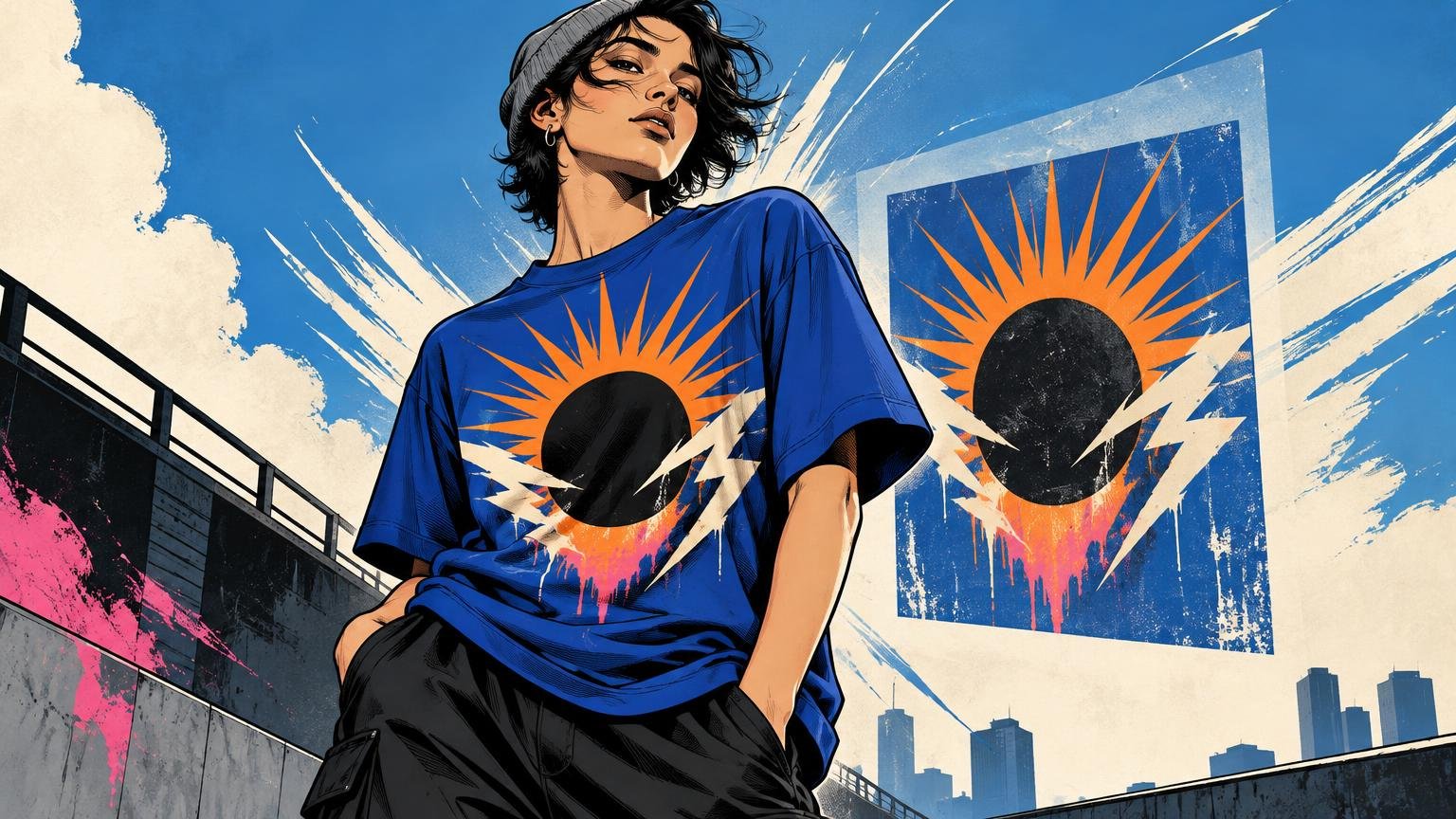
The strongest shirt graphics usually pass four tests. You know where to look first. The print occupies the torso deliberately. The garment color contributes to the composition. The main idea remains recognizable from a normal social distance and when the fabric is not perfectly flat.
These are not rules requiring every design to be clean, centered, or restrained. An oversized print can work. So can an awkward placement, dense illustration, or nearly tone-on-tone palette. The distinction is whether the effect appears controlled. Intentional weirdness has a visual argument; accidental weirdness looks like nobody evaluated the design on a person.
Start with one obvious first read
Ask what a passing viewer should notice first: an image, a phrase, a character, a symbol, or simply a mood. If the answer is “all of it,” the design probably lacks hierarchy. Contrast, focal points, readable hierarchy, placement, and line weight all affect how artwork translates to a shirt, as summarized in Adobe’s overview of contrast and visual hierarchy.
A useful test is to shrink the worn mockup until the shirt is no taller than your thumb. The main silhouette or phrase should still register. Fine detail can reward a closer look, but it should support the first read instead of fighting for equal attention.
For a design combining a large illustrated head, arched lettering, five small icons, and a paragraph of copy, choose a lead actor. The face could dominate while the lettering frames it and the icons disappear. Alternatively, the phrase could become the main shape while the illustration becomes a small accent. Equal emphasis is rarely energetic; it is usually noisy.
Scale the graphic to the torso, not the artboard
A graphic can be beautifully drawn and still feel apologetic because it is too small for the area it occupies. It can also feel clumsy because it spans too much of the chest and begins wrapping toward the sides. Good scale creates a deliberate relationship among the print, the blank space around it, and the wearer’s body.
There is no single ideal width because garments vary substantially. As one concrete example, BELLA+CANVAS lists flat chest widths for its 3001 shirt from 16.5 inches in XS to 30 inches in 4XL. A fixed-width print therefore occupies a very different proportion of those two garments.
Do not assume a production system will compensate automatically. Printful states that, as a general rule, it does not scale a design according to garment size. That can be desirable when a collection needs one consistent physical print size, but it makes size-range review part of the designer’s job.
Evaluate at least a smaller, middle, and larger garment size. Decide whether you want consistent physical dimensions or a more consistent visual proportion. The former simplifies production and can create an intentionally compact look on larger shirts. The latter may require separate artwork sizes or production groups. Neither choice is inherently superior; the mistake is allowing the result to happen unnoticed.
Use placement to control how the body carries the image
Placement is not merely the distance below the collar. It determines whether a print feels connected to the face and shoulders, centered on the chest, dropped toward the stomach, or wrapped around the wearer’s movement.
| Placement | What it does well | Common failure |
|---|---|---|
| Center chest | Creates an immediate front-facing read for symbols, compact illustrations, and short type | Sitting too low or becoming a small island in a large blank area |
| Full front | Gives posters, characters, and bold typography enough visual authority | Becoming too wide, too rigid, or visually heavy across folds |
| Left chest | Works as a quiet identifier or secondary mark | Using detail too intricate for the available visual scale |
| Large back | Provides a broad field for narrative artwork and dense compositions | Ignoring how the design relates to the blank front |
| Sleeve or collar detail | Adds rhythm and rewards a closer view | Competing with the main print instead of supporting it |
Published measurements are useful setup references, not aesthetic laws. STAHLS lists a typical full-front maximum imprint area of 12 by 14 inches, a top position around 3 to 3.5 inches below the collar, and a common 5 by 5-inch left-chest area. Its guidance also notes that placement may need adjustment for garment size and type. Use those figures to begin a mockup, then judge the actual blank and design.
Body landmarks matter more than a coordinate copied from another shirt. Look at the collar, shoulder line, chest plane, side seams, and the point at which the garment begins folding around the stomach. A front graphic usually feels more confident when its visual mass belongs to the upper torso instead of drifting downward without a reason.
Treat the garment color as part of the artwork
The shirt is not empty space behind the design. It may become the darkest tone, the lightest tone, a midtone, or an active color inside the composition. Design with that color rather than placing a finished rectangle over it.
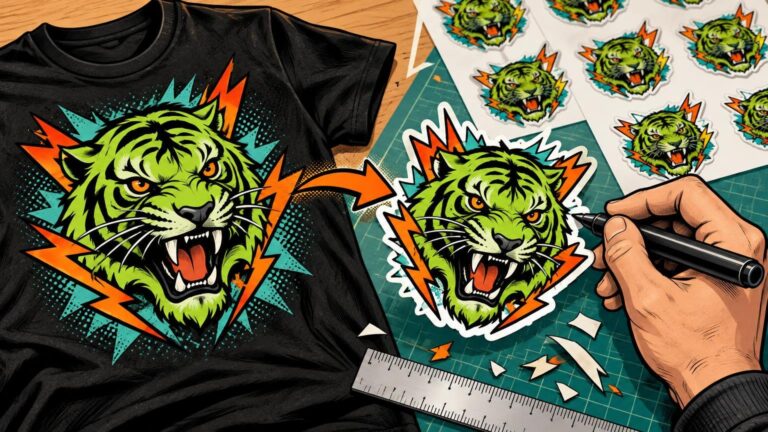
This is where many graphics acquire an unintended sticker effect. A hard rectangular background can make sense when the rectangle is visibly part of the concept. It looks accidental when it exists only because the artwork was composed on a canvas and transferred without reconsideration.
Try removing nonessential background areas and letting the garment form the negative space around figures or letterforms. Then inspect value contrast, not only hue. Two different colors can still be similarly light or dark, causing important edges and text to disappear. Heathering, washing, and fabric texture can further soften subtle lines, so delicate marks deserve extra scrutiny in the final production method.
Design for folds, movement, and imperfect viewing
A shirt graphic is rarely seen perfectly square. Arms move forward, shoulders rotate, fabric gathers, and the torso turns away. The goal is not to eliminate distortion. It is to give the design enough structural strength that distortion does not destroy its main idea.
Protect essential information first. Avoid making a fold-prone edge carry the only recognizable part of an image. Give important type enough size and spacing to tolerate fabric movement. Preserve a strong outer silhouette so the composition remains coherent even when interior details briefly disappear. Adobe’s T-shirt guidance similarly calls attention to line thickness, wrinkles, placement, and body movement when adapting graphics for apparel.
Production boundaries matter as well. Printful warns that artwork outside a product’s designated safe print area may be trimmed or placed unevenly. Safe areas vary with the product and process, so confirm the template for the garment being used rather than relying on a generic front-print file.
Diagnose why a graphic feels wrong
- Too low: The visual center falls toward the stomach, leaving the upper chest strangely empty. Move the composition upward before automatically making it larger.
- Too small: The design lacks enough presence for its placement. Enlarge it, simplify it, or intentionally reposition it as a compact chest mark.
- Too wide: Important elements approach the side folds or wrap away from the viewer. Narrow the composition or reorganize it vertically.
- Too detailed: The design depends on tiny information that disappears at normal viewing distance. Strengthen the silhouette, enlarge the focal element, and remove details that do not support it.
- Weak contrast: The garment and graphic merge where separation is needed. Adjust value, add a controlled outline, or choose a blank color that contributes more useful contrast.
- Sticker-like: The print looks like a rectangular image pasted onto fabric. Remove unnecessary background areas or make the boundary an unmistakable part of the concept.
- No hierarchy: Image, type, borders, and supporting marks all demand attention simultaneously. Pick a dominant element and reduce the rest.
Three practical redesign moves
Turn a poster into an upper-torso composition
A poster may rely on a border, footer copy, background texture, and multiple reading levels. On a shirt, retain the dominant image and strongest line of type, then let the garment replace much of the background. The result can keep the poster’s attitude without carrying its entire rectangular architecture.
Move intricate artwork to the back
If a detailed illustration becomes cramped at left-chest scale, stop forcing it to behave like a logo. Give it a large back placement, then place a simplified symbol or short wordmark on the front. The front introduces the idea; the back provides the payoff.
Build colorways rather than swapping blank colors
Placing identical ink colors on black, cream, washed blue, and heather gray does not necessarily produce four finished colorways. Review each combination independently. A dark outline may need to become light, a subtle shadow may need more separation, or one color may be redundant because the garment can perform its role.
Run a worn-mockup check before ordering
A flat artwork preview checks the file. A worn mockup checks the composition. Use a front-facing view for alignment, then add at least one natural pose or angled view to expose wrapping, folds, and changes in apparent width.
- View the shirt small enough to simulate a normal conversational distance. Identify what you notice first.
- Check the design on a smaller, middle, and larger garment size instead of approving only one blank.
- Compare every intended garment color. Look specifically at value contrast and negative space.
- Inspect the top edge relative to the collar and shoulders, then inspect the visual center relative to the chest.
- Look for essential type or imagery sitting near seams, print boundaries, or predictable fold zones.
- Hide the fine details mentally. Confirm that the remaining silhouette still communicates the idea.
- Review the production template and safe print area for the selected garment and decoration method.
- Order and evaluate a physical sample before committing to a larger run.
When the design is ready to move beyond mockups, compare suitable custom-print production options and confirm the provider’s garment template, supported print area, file requirements, and size-scaling policy. A visually correct concept can still fail if its production assumptions do not match the actual blank or process.
The final standard: does the shirt feel designed as one object?
A good graphic tee does not look like artwork that happened to land on clothing. The image, empty fabric, body, and placement create one composition. You can break conventions, enlarge the print, bury it in detail, or move it off-center—but the choice needs to survive the moment the shirt bends, turns, and enters the room.
For the next design, do not begin by adding more polish. Put the current version on realistic worn mockups, shrink the view, and write down the first thing you see. Then correct the biggest failure first: hierarchy, scale, placement, contrast, or resilience to movement. That single decision will usually improve the shirt more than another hour spent refining details nobody can read.
References
- The key to better graphic design and 5 ways to nail it
- 40 T-Shirt Design Ideas to Help Your Personality Shine Through | Adobe Express
- BELLA+CANVAS
- How is my design scaled for different garment sizes? – Printful Help Center
- How to Size T-Shirt Designs + Tips for Unique Placements – STAHLS' Blog
- What is the safe print area? – Printful Help Center